
Text to image / Image to image

Create, edit, and transform content with ready-to-use AI tools, task-specific templates, and leading models. Start with a simple workflow or choose your own settings. Pay as you go, with no subscription required.

A written description → An image
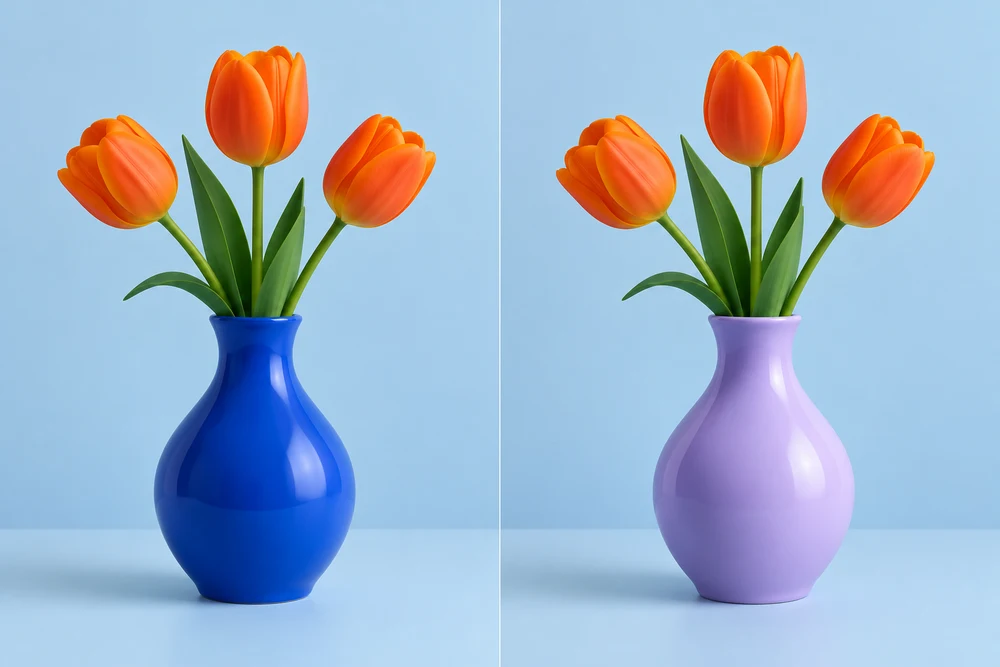
Your photo + direction → An image

A written description → A short video

Your photo + direction → A short video
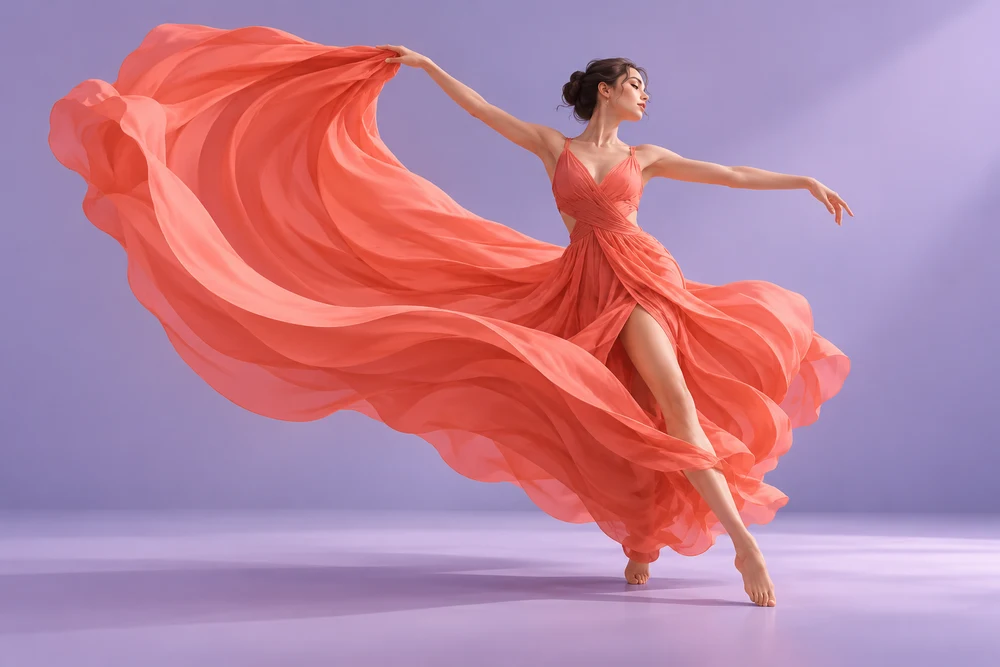
Snapki is an all-in-one AI creation platform for people with something to make: a product scene, an image for a post, a playful portrait or a short video. Ready-to-use tools and task-specific templates bring the creative starting point closer to the result you have in mind.
The platform brings image and video creation into one workspace. A description can become a new visual; a photo can become the starting point for a different style, scene or moving moment. You can explore an effect you like or develop an idea of your own.
The value is in how those capabilities come together. Prepared workflows handle much of the initial setup, while model and output controls remain available for a more personal direction. Your creative goal leads the process.
Start with the job you want to do. Image and video tools turn an open-ended AI capability into a clear creative choice, whether you are imagining a scene, transforming a photograph or bringing a still image to life.
Start with an effect you can already see. Templates bring together a visual reference, a prepared prompt, a model and default settings, giving your own photos a considered starting point without building the whole setup from scratch.
Start with more creative control. Image and video models sit inside the same workspace, alongside the description, reference material and settings for your task. Exploring a different approach feels like developing an idea rather than learning another service.
An effect is easier to imagine when you can see it. Snapki’s template gallery makes discovery visual, with image styles and short-video ideas that give a creative task a recognizable shape. A portrait can become a playful character; an ordinary photograph can become the beginning of an unexpected scene.
Behind that visual starting point is a prepared workflow. The prompt, model, default parameters and any supplied references are brought together around the intended effect. That takes a useful part of the research and setup off your plate, leaving more attention for the people, products or moments you want to feature.
Your own material makes the idea personal. A familiar face, a favorite pet or an object from your business can give the same creative direction a very different meaning. Templates offer an approachable way into AI creation, whether you are trying an idea for the first time or returning for another project.
Some ideas begin with a clear picture rather than an existing effect. Snapki’s general generator gives that picture room to develop through your own description, reference images and available model settings. The workspace supports both a straightforward starting point and a more deliberate creative approach.
A softer color palette, a wider composition or a different sense of movement can change the character of a visual. Image controls make room for choices about framing and quality; video controls add choices about the length and output of a moving scene. Those decisions stay close to the idea instead of being scattered across unrelated tools.
This balance matters when the task changes. A quick personal experiment may need very little setup, while a product concept or a recurring content series may deserve more attention to its visual direction. Snapki gives both approaches a shared home, with prepared workflows for momentum and additional control when the creative brief calls for it.

A playful profile picture, a new take on a favorite photo or a short clip made for a friend can start with an everyday idea. Snapki brings those personal projects within reach through visual examples and approachable image and video tools. The enjoyment comes from seeing something familiar in a different way.
Portrait styles and imaginative scenes give a personal photograph a new character. A pet can become the subject of a little visual story. An idea for a greeting, a celebration or a shared joke can take shape as an image or a moving moment, with your own material at its center.
The project can be as small as one image worth sending to someone. Familiar material gives the creative experiment a point of connection, whether the result is funny, affectionate or simply visually different. The idea comes from your own life; AI provides another way to give it form.
For an independent social media publisher, a solo creator or a small content team, a steady stream of ideas also needs a steady supply of visuals. Snapki supports the image and short-video work behind that routine: a post illustration, a cover concept, a scene for a story or a moving visual that introduces a topic.
A café feature might call for a warm tabletop composition. A travel post might need an imagined setting, while a personal channel may benefit from a recognizable portrait style. Text-based creation opens up new scenes; photo-based creation builds on material that already belongs to the story.
Different publishing moments call for different visual forms. A square image can support a feed post, a portrait composition can fit vertical storytelling, and a short clip can give a scene a sense of movement. That flexibility helps a small operation develop material around its own topics and publishing rhythm.
An individual online seller or a small e-commerce business often handles product selection, the storefront and the content around it. Snapki adds a place to explore the visual side of that work: product scenes, promotional image concepts and short moving visuals built around a product idea or reference photo.
A skincare bottle can sit in a warm studio scene or a quiet bathroom setting. A handmade object can inspire a gift-themed composition. Different backgrounds, colors and lighting directions help a seller explore how a product might be presented for a launch, a seasonal promotion or a social post.
Such work is useful when exploring a visual direction. A launch may call for a clean product-led image; a seasonal promotion may suit a more atmospheric scene. These approaches help a seller develop a visual story around the product, alongside the other photographs and design assets used in the shop.
Creative illustration
A terracotta house beside a tree, warm afternoon light, a quiet courtyard. A clean architectural illustration with soft shadows.
Text-to-image creation gives a visual form to an idea that has no source photograph yet. It can be a sunny architectural scene, an illustration for a story, a stylized portrait or the atmosphere around a product. Color, setting and composition become parts of the creative brief instead of things you must already have in a photo library.
Text-to-video adds a moving dimension to that starting point. A scene can center on a passing car, a changing expression or a small action that gives a moment its character. Still and moving outputs offer different ways to express the same underlying idea, from a single striking frame to a short visual sequence.
A photograph can be a beginning as well as a finished image. Image-to-image creation makes room for another visual style, setting or creative treatment, while image-to-video takes a still reference into motion. Existing material becomes part of the imagination rather than a limit on it.
That is useful across very different projects: a personal portrait, a product photograph or a visual created earlier in the workspace. A single starting image can inspire another scene or become the basis for a moving moment. Snapki connects these routes through a common creative space, making it easier to carry an idea from one form into another.
For eligible video creations, Snapki offers a preview before you decide to unlock the full result. That first look makes the choice more tangible: you can see the atmosphere, movement and interpretation of your own inputs, rather than deciding from a written description alone.
It creates a useful pause between imagining a video and purchasing access to it. Your creative judgment has something concrete to respond to, whether the idea is a personal effect, a visual for a post or a scene built around a product.
The preview and the unlocked video belong to the same completed creation. Unlocking opens access to that full result, preserving the connection between what caught your attention and what you receive.
This makes the decision about a particular piece of work. You can consider that creation on its own, alongside the offer shown for it. The interactive reference beside this text illustrates the relationship between a short excerpt and a longer video.
A one-time credit purchase lets you fund image and video creation when there is something you want to make. It suits a single creative project, an occasional experiment and a recurring need for new content, without adding another automatically renewing subscription to manage.
For an independent creator or a small business, that means the decision can follow the work. A product launch may call for several visual ideas; a quieter period may call for none. Snapki’s pay-as-you-go approach keeps the purchase connected to your current creative priorities.
Eligible video previews offer another way to make a focused creative decision. Once a preview is ready, the available unlock offer puts a particular completed result at the center of the purchase. You are deciding whether that video is useful for the idea you had in mind.
Together, credits and eligible-result unlocks support different starting points: funding a new creation or choosing access to one you have already previewed. Both keep the emphasis on the work you want, with the relevant offer available before you commit to the purchase.
Different projects call for different settings. An image concept and a longer video do not require the same combination of model and output options. Snapki brings the task’s credit quote into the review step, alongside the setup you are considering.
That gives the creative and spending decisions a shared context. The cost belongs to the selected task, so you can weigh the intended result and the quote together before starting generation.
No specialist prompt knowledge is required to begin with a prepared template. Its workflow brings together the prompt, model and default settings around a visible effect. In the general generator, you can describe the subject, setting and result you want in ordinary language. More detailed direction is optional and can help you explore a more specific idea.
A tool describes the creative task, such as text-to-image or image-to-video. A template prepares an effect with a prompt, model, settings and any supplied references. A model is the AI system that generates the output. Snapki brings these together in the same workspace; the live gallery and model controls show the choices currently available.
Text-based tasks can begin with a description. Photo-based tasks need reference images, and each template states its own photo requirements. The uploader accepts JPG, PNG and WebP within its displayed size limit. Clear source material helps communicate your intention. Uploading an image or changing a setting does not by itself start a paid generation.
Yes. Advanced creation exposes the options supported by the selected workflow, including image framing and quality or video duration and resolution. The available combinations depend on the model and input. The review step confirms the final setup and credit cost; changing settings can change the quote and whether a video preview is available.
A video task produces a generated clip with the duration and output settings confirmed for that request. A complete production with exact scene cuts, subtitles, brand typography and several connected scenes may need additional editing. AI-generated faces, hands, lettering, product details and movement also deserve review before the result is published.
Preview eligibility depends on the final model, parameters and remaining account opportunities. It can apply to a template or a free creation when the confirmed combination is eligible. The review step shows which route applies before submission. Ordinary credit-based generation is a separate route; the availability of previews elsewhere does not turn every task into a preview.
An eligible preview is an excerpt of the completed video: 20% of its full duration, with a minimum of two seconds, capped at the actual video length. A successful preview uses one account opportunity even if you do not unlock it. A short excerpt cannot show every later frame, so it should be considered as part of your purchase decision.
You receive access to the same full video at the quality originally generated; unlocking does not run the model again. Sufficient credits can unlock it at the original task quote. Otherwise, the available offer may support a payment for that video alone or an unlock with additional credits. The offer states what is included before payment.
Snapki uses one-time credit purchases with no required subscription. Packs start at $10 for 1,000 credits; $50 includes 5,250 credits. Custom purchases run from $10 to $150 in $10 steps. Bonus credits are 5% from 5,000 base credits and 10% from 10,000. Purchased credits do not expire. Each generation shows its own cost before confirmation; eligible preview and unlock offers state their contents before payment.
Uploaded photos and generated content are private by default. Public display or promotional use needs separate permission; a purchase does not provide that permission. Processing may send inputs and settings to the selected AI provider. The Privacy Policy explains handling and privacy requests. Browser drafts support returning to unfinished work, so take care when using a shared device.
Upload material you are entitled to use. Commercial permissions depend on the source material, the selected provider’s terms and the intended use. Successful generation is not a blanket commercial license. Review the relevant conditions and the output before using it in public or paid work, especially when it contains recognizable people, products, lettering or branding.
A confirmed technical generation failure automatically returns the credits charged for that task. A completed result you dislike does not automatically qualify for returned credits or a free remake. If a clear anomaly needs review, retain the task ID and report it. The Terms of Service explain these distinctions and the applicable payment conditions.
You can browse examples and prepare a creative setup before signing in. Generation requires an account. The current workspace keeps a browser draft to help you return to the description, references and settings you were working on after authentication. Your account also provides access to recent creation records and the actions available for those results.
Completed outputs can be downloaded when access is available to your account. An eligible locked video initially exposes its preview excerpt; full access follows an unlock. An image result can also become the starting point for a new video task, with its own settings and cost confirmation. Resolution, watermark status and output options depend on the confirmed task.